The Pattern Is Undeniable Now
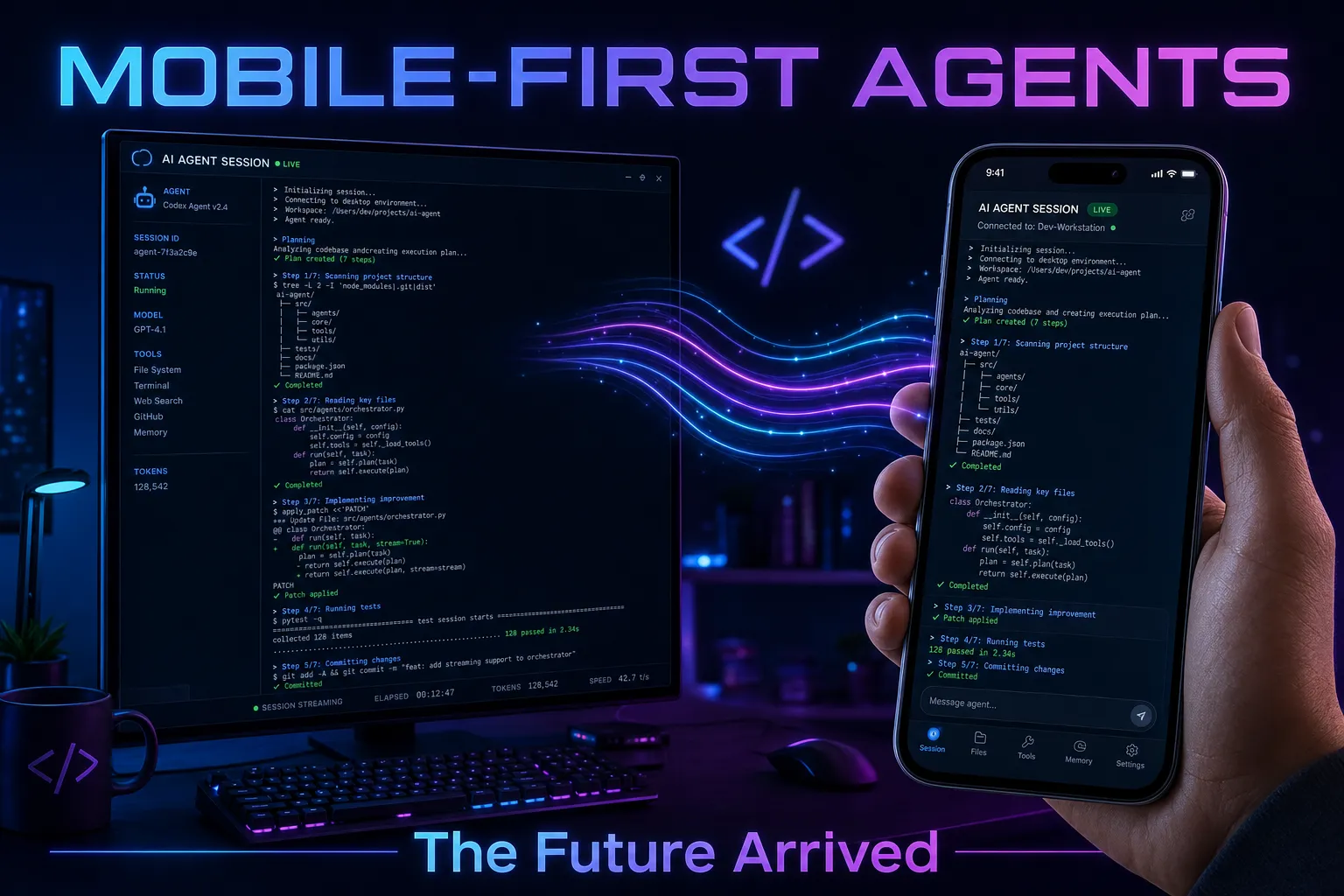
On May 18, GitHub made remote control for Copilot CLI sessions generally available — on mobile, web, and VS Code. You start a session on your workstation, scan a QR code, and steer your agent from your phone while walking the dog.
I published a 3,000-word guide to doing exactly this via Telegram on April 11. Same core concept: your AI agent runs on your machine, you interact with it from your pocket. Different implementation, identical insight.
This isn’t an “I told you so” moment. This is a validation moment. When the team building the tool arrives at the same architectural conclusion you reached independently — mobile-first agent interaction isn’t optional, it’s inevitable — that tells you something important about where this industry is headed.
What GitHub Shipped
The feature dropped in public preview on April 13 and hit GA on May 18. Here’s the core workflow:
- Start a session:
copilot --remote - The CLI displays a link and QR code
- Open it in the GitHub Mobile app or any browser
- Your session streams in real time — you can steer, approve permissions, send follow-up prompts, switch modes, or stop execution entirely
The GA release expanded the scope significantly: it now works with non-GitHub repositories, supports VS Code and JetBrains as surfaces, and lets you queue messages while the agent is mid-turn. The --remote flag transforms your local agent into a service you can access from anywhere.
This is excellent engineering. Clean, secure (sessions are private to the authenticated user), and integrated directly into the existing GitHub ecosystem. Business and Enterprise users get admin controls. The session link lives alongside your repo in the Agents tab. It’s clearly a first-class feature, not an afterthought.
What I Built in April
My Telegram bridge extension solves the same fundamental problem with a different architecture:
- Bidirectional messaging — every Telegram message becomes a prompt, every response forwards back
- Photo support — send images from your phone for vision analysis
- Voice notes — transcribed via Whisper and forwarded as text
- Cron scheduling — agents run on schedules, report back to Telegram automatically
- Custom tools —
telegram_send_message,telegram_send_photo,telegram_get_status
The entire thing is one .mjs file in .github/extensions/. No external servers, no Docker, no cloud functions. It uses the Telegram Bot API over HTTP — the same protocol Telegram has provided since 2015.
Here’s the key architectural difference: GitHub’s remote sessions stream your existing CLI session to a viewer. My Telegram bridge creates a new interaction surface — the agent is always listening, even when no terminal is open. Combined with cron-scheduled agents, it becomes a persistent service. My daily briefing agent fires at 6:30 AM and sends me a compiled report in Telegram before I’m out of bed.
I wrote more about this always-on pattern in the article about open-sourcing my home assistant — 17 agents, 16 extensions, all orchestrated through Telegram.
The Core Insight Both Approaches Share
Strip away the implementation details and both GitHub’s --remote and my Telegram bridge express the same thesis:
The interface to AI agents shouldn’t be limited to the device running them.
This sounds obvious in hindsight. But look at the AI coding tool landscape even six months ago: every tool assumed you were sitting at your computer, staring at the terminal, actively supervising. The “agentic” revolution was still tethered to a physical desk.
The insight that unlocks everything is recognizing that agents don’t need real-time supervision — they need periodic steering. And steering can happen from anywhere. A quick message from your phone while you’re in line at the grocery store. A plan approval while waiting for your kid’s soccer practice to end. A “stop, wrong approach” while scrolling on the couch.
The reason mobile-first matters isn’t convenience. It’s parallelism. When your agent interaction model requires a terminal in front of you, you’re serializing your attention. One task at a time. But when your agent can work autonomously and you steer from your phone, suddenly you’re genuinely running parallel workflows. The agent handles the mechanical work; you handle judgment calls asynchronously.
Where the DIY Approach Goes Further
GitHub’s implementation is polished and production-ready out of the box. But an extension-based approach has capabilities that a platform-native solution can’t easily replicate:
Multi-agent orchestration. I’m not steering one session. I’m running 53 agents that communicate via cross-session mesh. An orchestrator agent dispatches work to specialized sub-agents — finance, content, scheduling, health — and they report back through Telegram. Try doing that with a single --remote session.
Proactive notifications. GitHub’s remote sessions are pull-based: you open the link to check status. My Telegram bridge is push-based: the agent messages me when something needs attention. “Your CI failed on PR #47.” “Your briefing is ready.” “The grocery order is confirmed.” No polling required.
Governance hooks. Because it’s an extension, I wire it into my hookflow system — approval gates, spending limits, safety protocols. The agent can’t merge a PR without my explicit Telegram reply of “approved.” That’s not just remote access — it’s remote governance.
Platform independence. Telegram works on iOS, Android, desktop, web, tablets, smartwatches. It works offline and syncs when you reconnect. It doesn’t require a GitHub account on the device. My wife can send my agent a message (“add diapers to the grocery list”) without knowing what GitHub is.
What This Convergence Means for the Industry
When GitHub, a platform serving 150M+ developers, ships a feature that independent builders already prototyped — that’s a signal. It means:
-
Mobile-first agent interaction is table stakes. Every AI coding tool will ship this within 12 months. The desk-bound model is dead.
-
The extension ecosystem is where innovation happens. My Telegram bridge existed months before the native feature because Copilot CLI extensions let you build outside the product roadmap. The extensibility model is the product.
-
The real competition isn’t between tools — it’s between interaction paradigms. Chat interfaces, terminal sessions, IDE panels, mobile apps, Telegram bots, voice commands — the winners will be platforms that support all of them simultaneously.
-
Agents are becoming services, not tools. A tool requires your presence. A service works for you whether you’re watching or not. GitHub’s
--remotemoves Copilot from tool toward service. Extensions like the Telegram bridge complete that transformation.
What’s Next
GitHub’s remote sessions will get better. I expect deeper mobile app integration, richer notification controls, and eventually multi-session management from the phone. The public preview to GA path was fast — barely 5 weeks — which tells me the team has conviction about this direction.
On my end, I’m pushing the Telegram bridge toward voice-first interaction. Voice notes already work via Whisper transcription, but I want real-time voice conversations with my agent — think phone calls, not text messages. I’m also exploring MCP-connected phones as a deeper integration layer where the agent doesn’t just receive messages from your phone — it controls phone capabilities directly.
The future isn’t “AI in the terminal.” The future is AI everywhere, steered from whatever device you’re holding. GitHub just proved that isn’t a fringe opinion — it’s the roadmap.
Resources
- GitHub Changelog: Remote control for Copilot CLI sessions (GA)
- GitHub Changelog: Remote control CLI sessions (Public Preview)
- My Telegram Bridge guide on htek.dev
- Phone as MCP Server
- 53 Agents, Zero Chaos
- Agent Mesh: Cross-Session Communication
- Copilot CLI Remote Access Deep Dive
- Copilot CLI Extensions documentation